
- Select which site you would like to view playback from.
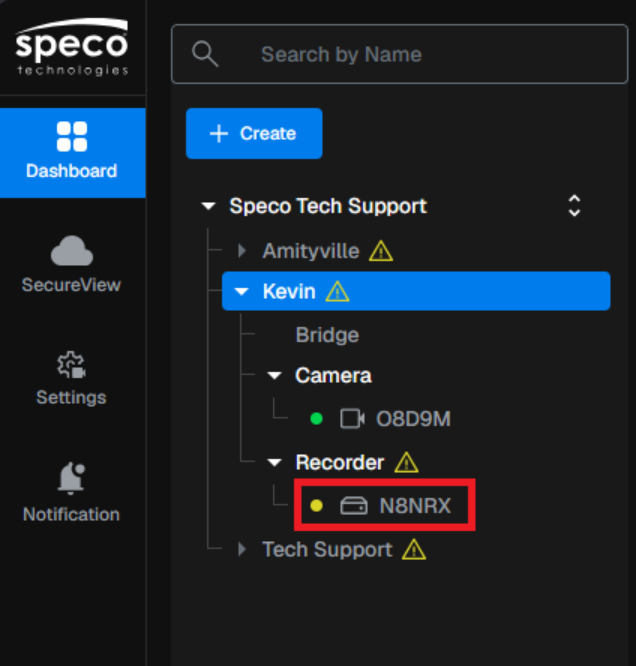
- Enable Cloud Streaming for each site you would like to view playback from.
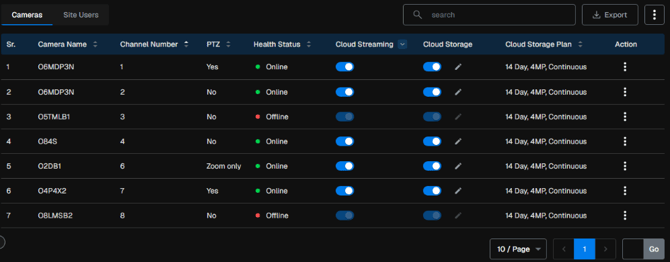
Each channel will have a cost associated with enabling cloud streaming
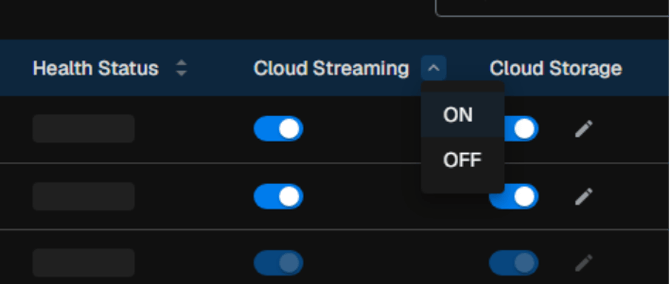
- You can enable or disable cloud streaming on all channels by clicking the down arrow next to the cloud streaming option.
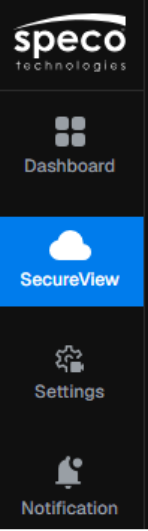
- Once you have cloud streaming setup, select SecureView.
-
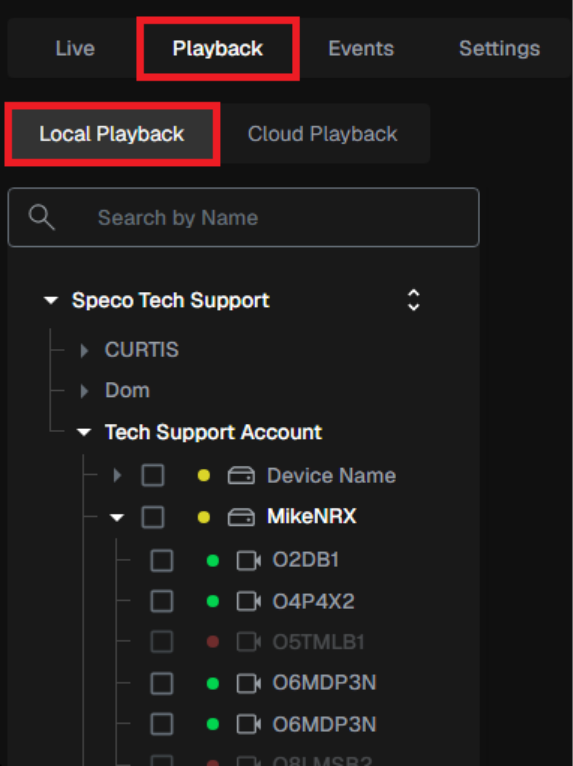
Select Playback, then Local Playback. From here you can select which cameras you would like to view playback from by selecting them in the dropdown menu.
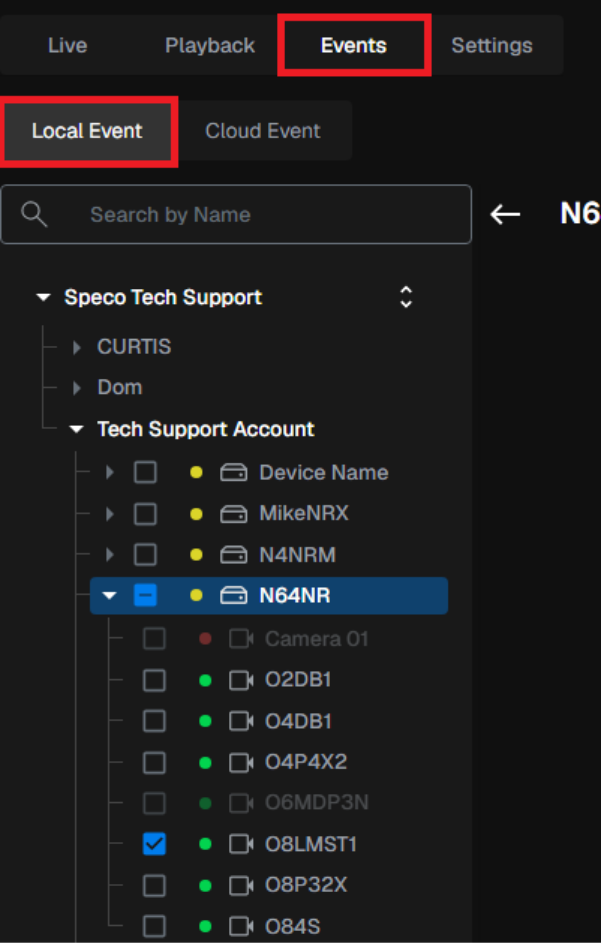
- If recording events only, you can select Events, then Local Events. This will show you all the different events your cameras have captured. Examples include Region Intrusion, License Plate Detection, and Motion events.
- Select the date you'd like to view footage from, then filter by which event types you are looking for.

Footage can be viewed from a recorders hard drive, or an installed SD card in a camera
 Initial submission Date: September 1st, 2026

Article authored by: Kevin Holland, Technical Support Lead