
- Select Settings

-
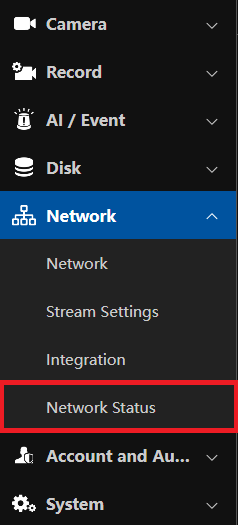
Select Network > Network Status
-
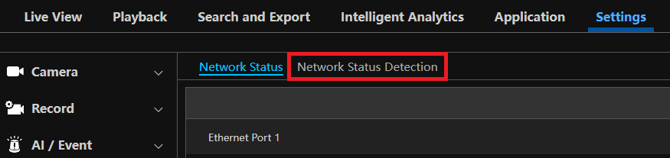
Select Network Status Detection
-
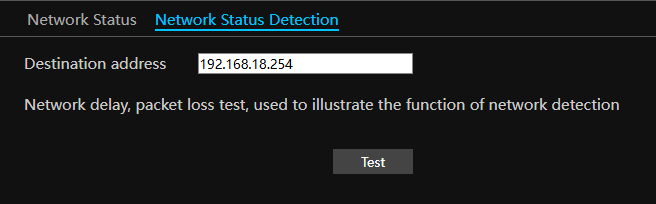
Enter an IP address on the local network to send a ping to that device.
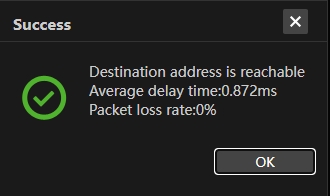
- Check your results of the ping. It will display if the destination address is reachable, the delay time, as well as the percentage of packets which were lost.
Initial submission Date: June 22nd, 2026

Article authored by: Kevin Holland, Technical Support Lead