
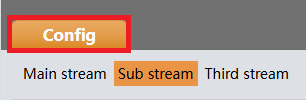
- Log into your camera's web interface and select Config
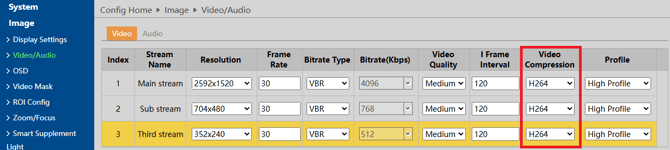
- Under Image, select Video / Audio. Changed the compression of the stream you are going to use to H.264 compression
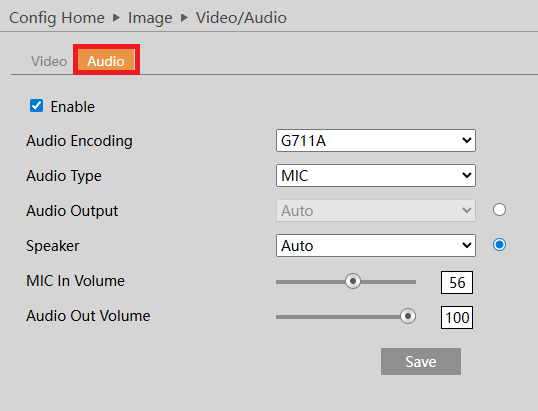
- Certain websites such as Youtube, Facebook and Twitch will require your stream to include audio. If so, select the Audio tab and select Enable.
- Under network, select Ports and Connections. Then select RTMP and check off Enable. Select which stream you would like to use (main stream, sub string, third stream).

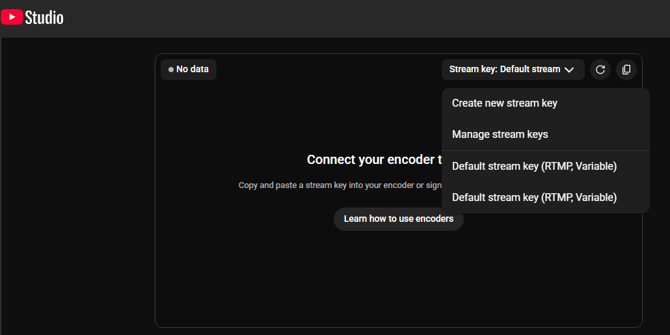
- You will now need to find the Stream URL and Stream Key. Shown below is the Stream URL for YouTube Live, as well as where to generate your unique stream key.

- Paste the stream URL, followed by a forward slash (/), then paste the stream key into the server address. The format will be as follows.
rtmp:// [stream URL] / [stream key]
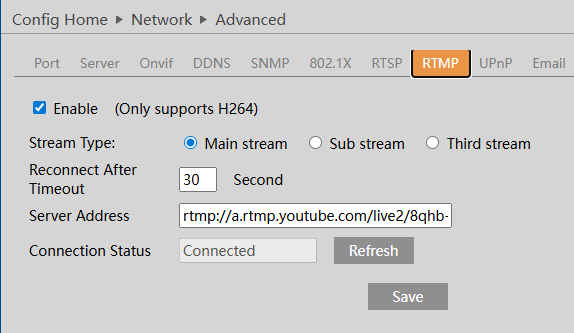
- Once connected, the connection status should change to Connected.
Note: If the video does not display, double check your video compression is set to H.264, audio is enabled, and that your network connection allows you to reach the server address
Initial submission Date: July 2nd, 2026

Article authored by: Kevin Holland, Technical Support Lead