
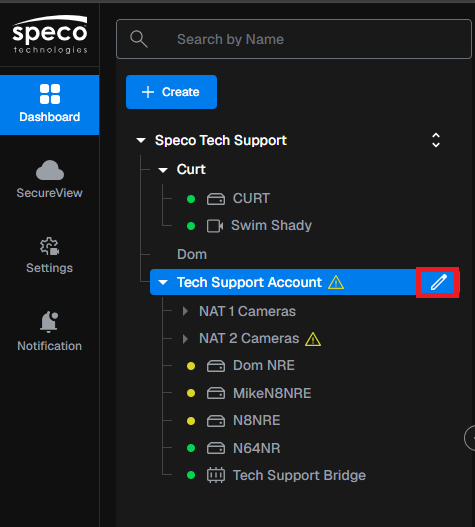
- Select the account you want to activate cloud storage on and click the edit button.
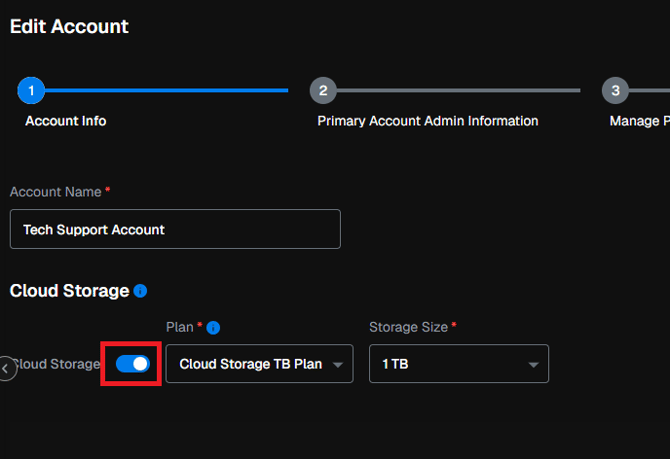
- Enable cloud storage and select between either Cloud Storage TB plan, or a Retention Plan
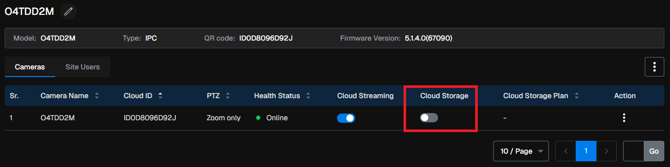
- Once cloud storage is enabled in the account, select any site under that account and check off cloud storage
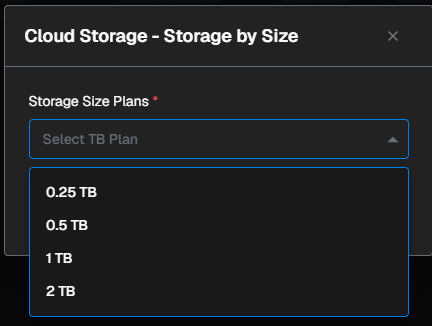
- Select the cloud storage plan for each site.
- Select Secure View on the right side and select Settings
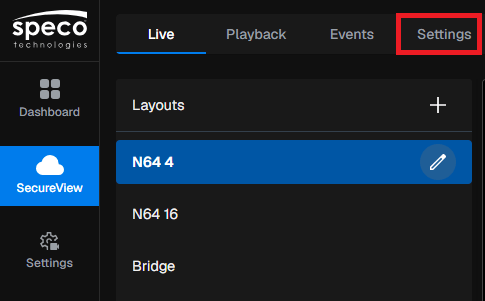
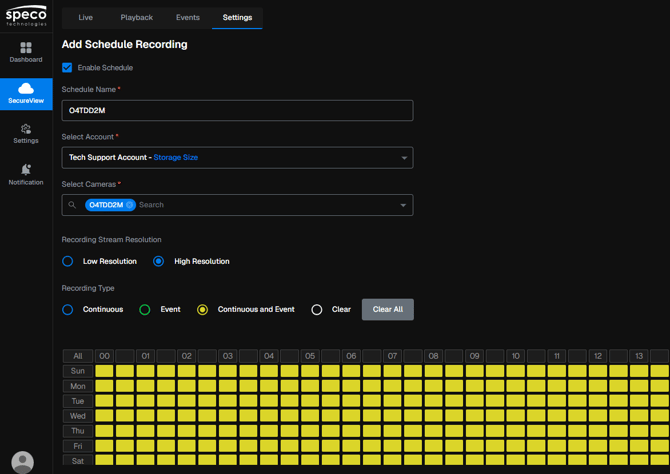
- Select Cloud Schedule, then select Add Cloud Schedule

- Set the schedule based on which cameras you want to record, recording resolution, recording type and when you would like to record.
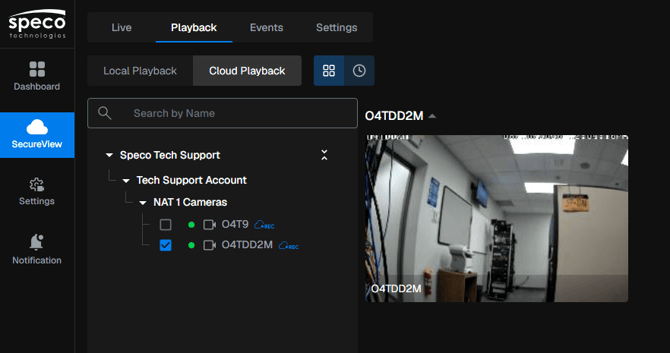
- You will now be able to view footage from Cloud Playback
Initial submission Date: October 22nd, 2026

Article transcribed by: Kevin Holland, Technical Support Lead