
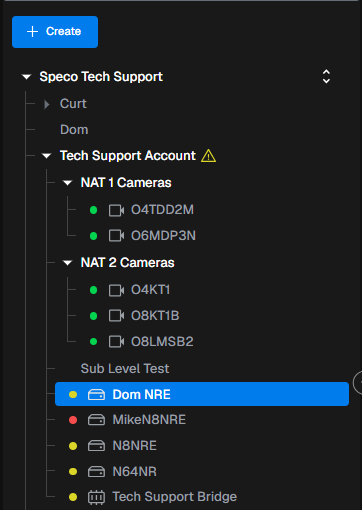
- Select the site you would like to access the configuration of.
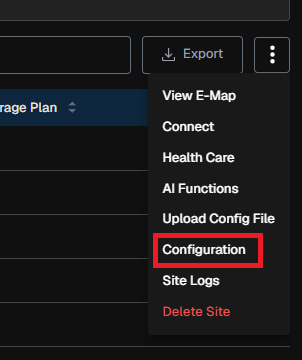
- On the top right, select the three dots, then select configuration.
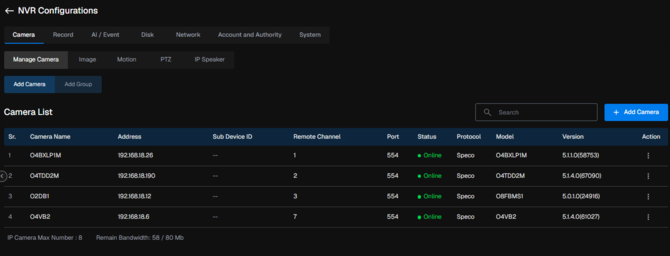
- You now have access to the configuration menu of your site. This can be done on NVRs, IP Cameras and the SGC NVR to edit configuration settings of the device.
Initial submission Date: August 25th, 2026

Article authored by: Kevin Holland, Technical Support Lead