
- Log into your recorder and select Settings

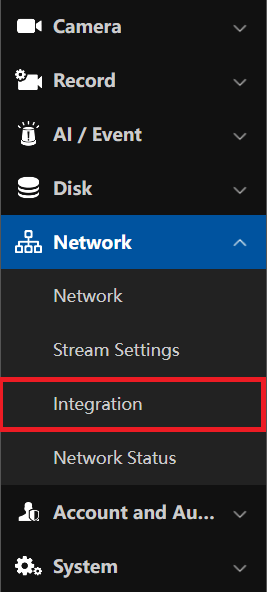
- Select Network > Integration
-
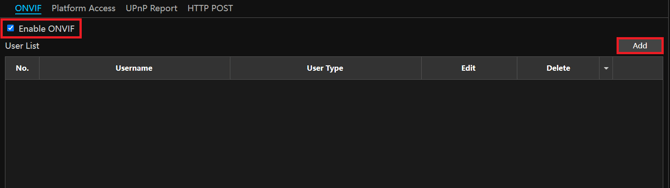
Select the checkmark next to Enable ONVIF, then select Add
-
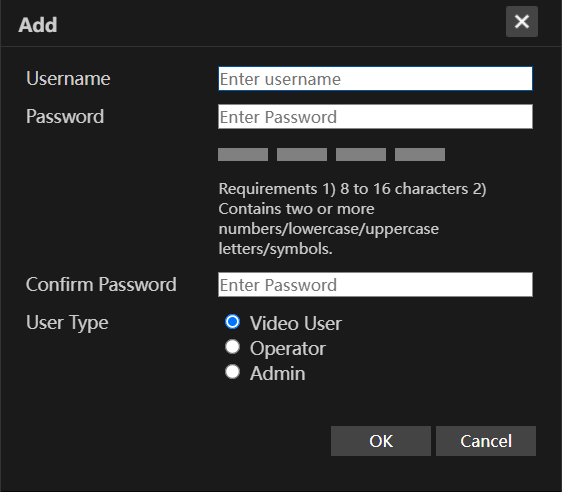
Enter the username and password you will use for your ONVIF connection. When complete, select OK, then select Apply.
Initial submission Date: June 22nd, 2026

Article authored by: Kevin Holland, Technical Support Lead