
- Log into the web interface of the camera with the root username and password
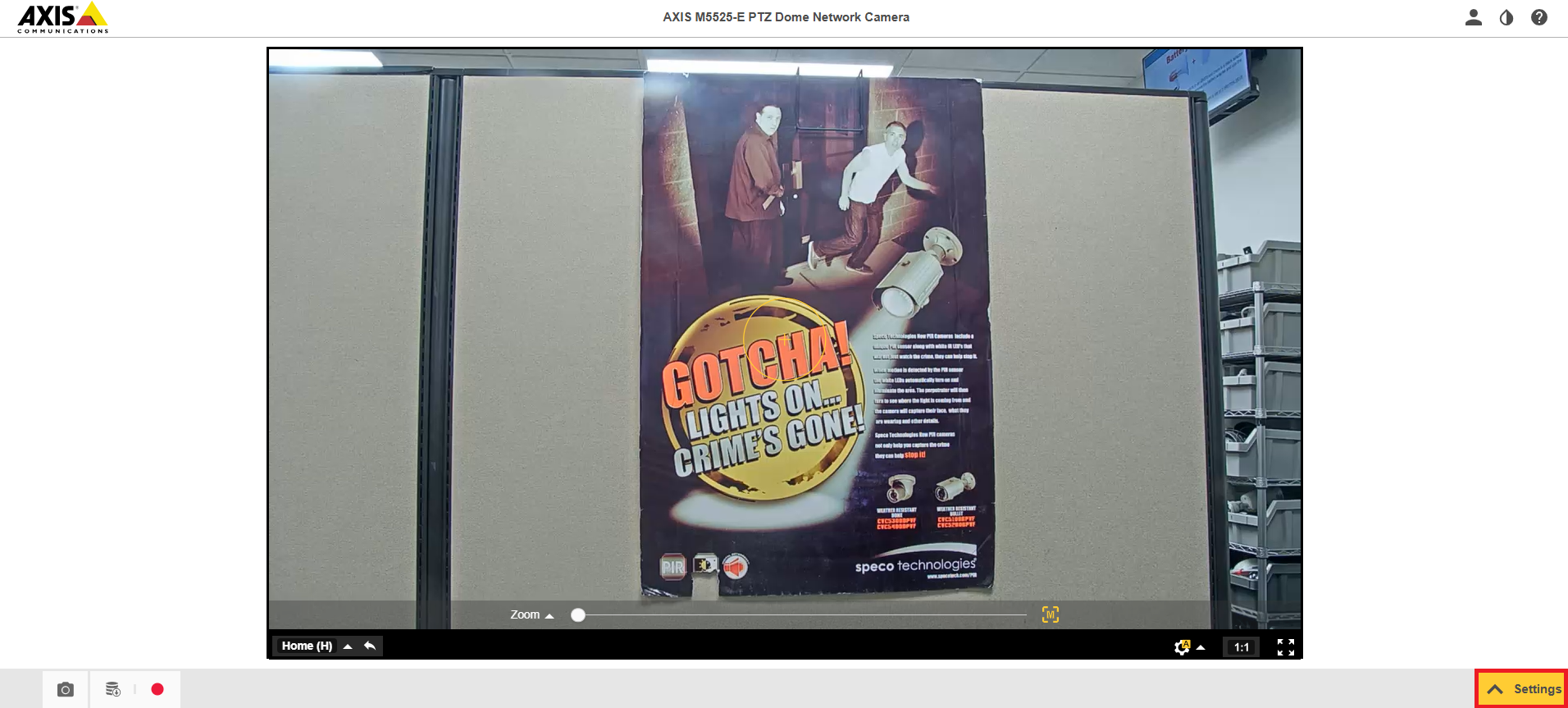
- Select Settings on the bottom right corner of the screen
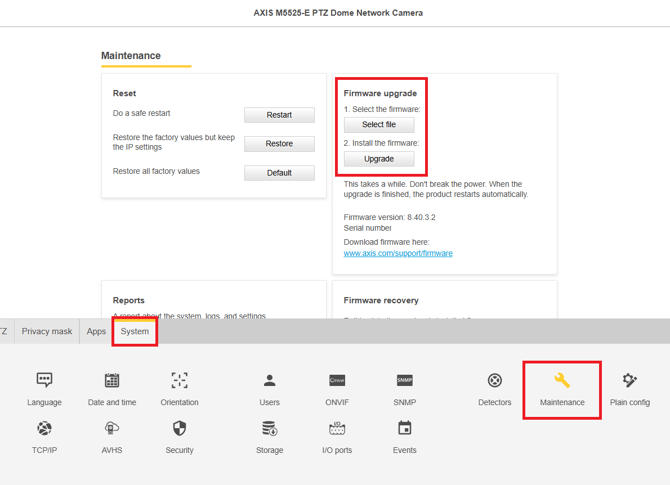
- Select the System tab, then select Maintenance. Make sure your firmware is the latest available for the camera you are trying to connect.
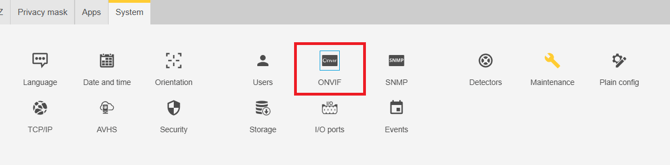
- Select ONVIF under the System tab
- Select Add Profile
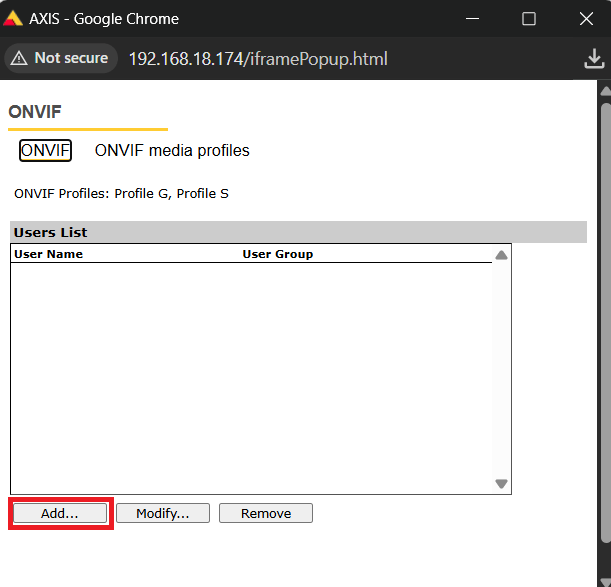
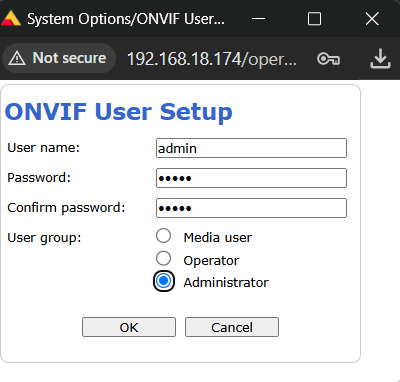
- Enter a username and password for your ONVIF login, and give the profile Administrator rights
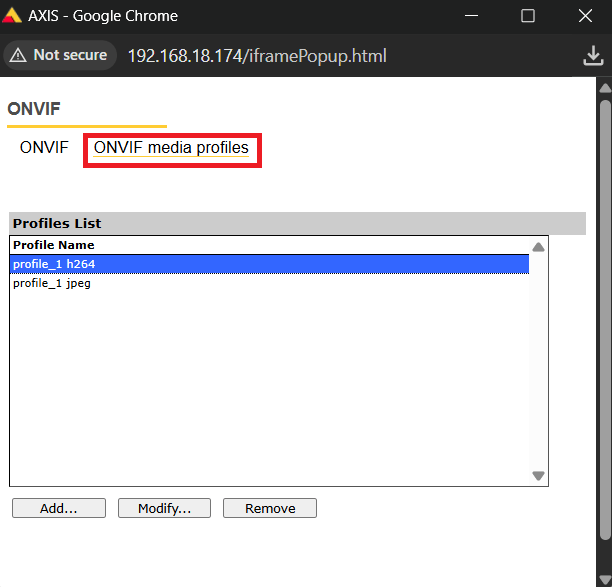
- Select ONVIF Media Profiles if you would like to change any of the video settings
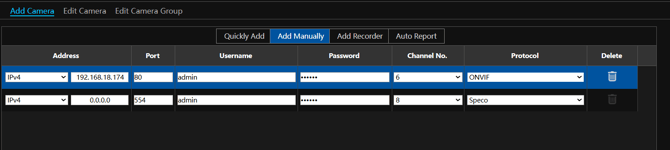
- Add the camera in your recorder using the ONVIF username and password you set up in the camera
Make sure both your recorder and camera are on the latest firmware available. To download firmware for your recorder, click HERE
Initial submission Date: July 1st, 2026

Article authored by: Kevin Holland, Technical Support Lead