
-
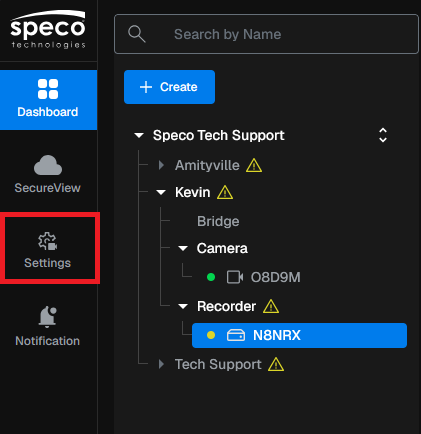
Select Settings
-
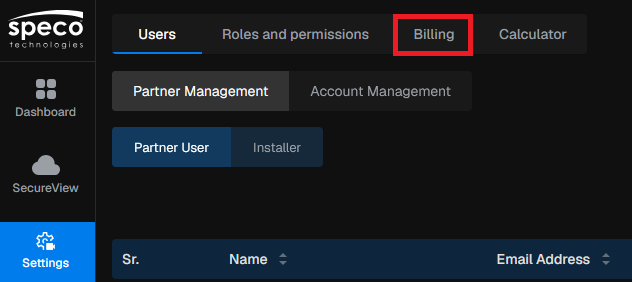
Select Billing
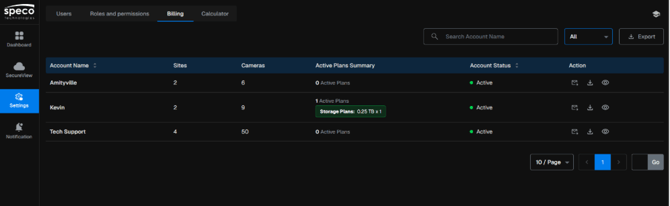
- Here you will have an overview of your accounts, displaying how many sites you have, cameras, active plans and account status. You can send information for these accounts through an email or download a CSV or PDF document.
- Select any of your accounts to get a site by site breakdown of the account.
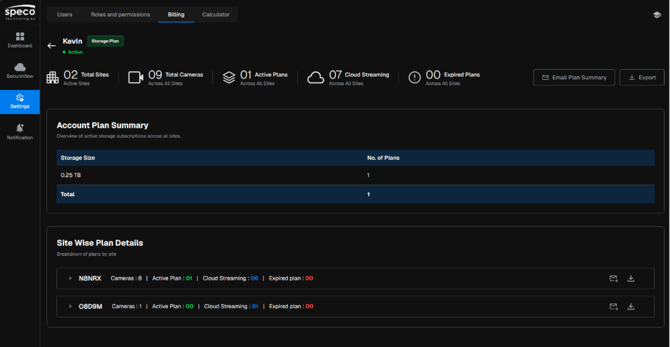
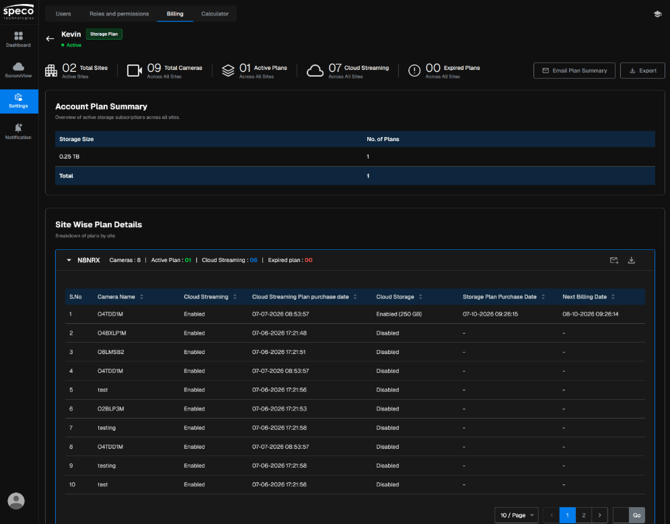
- You can also email or download the plan information for each individual site.

Initial submission Date: October 26th, 2026

Article Authored by: Kevin Holland, Technical Support Lead